

Creative automation
Every product gets its own ad. Built from your data.

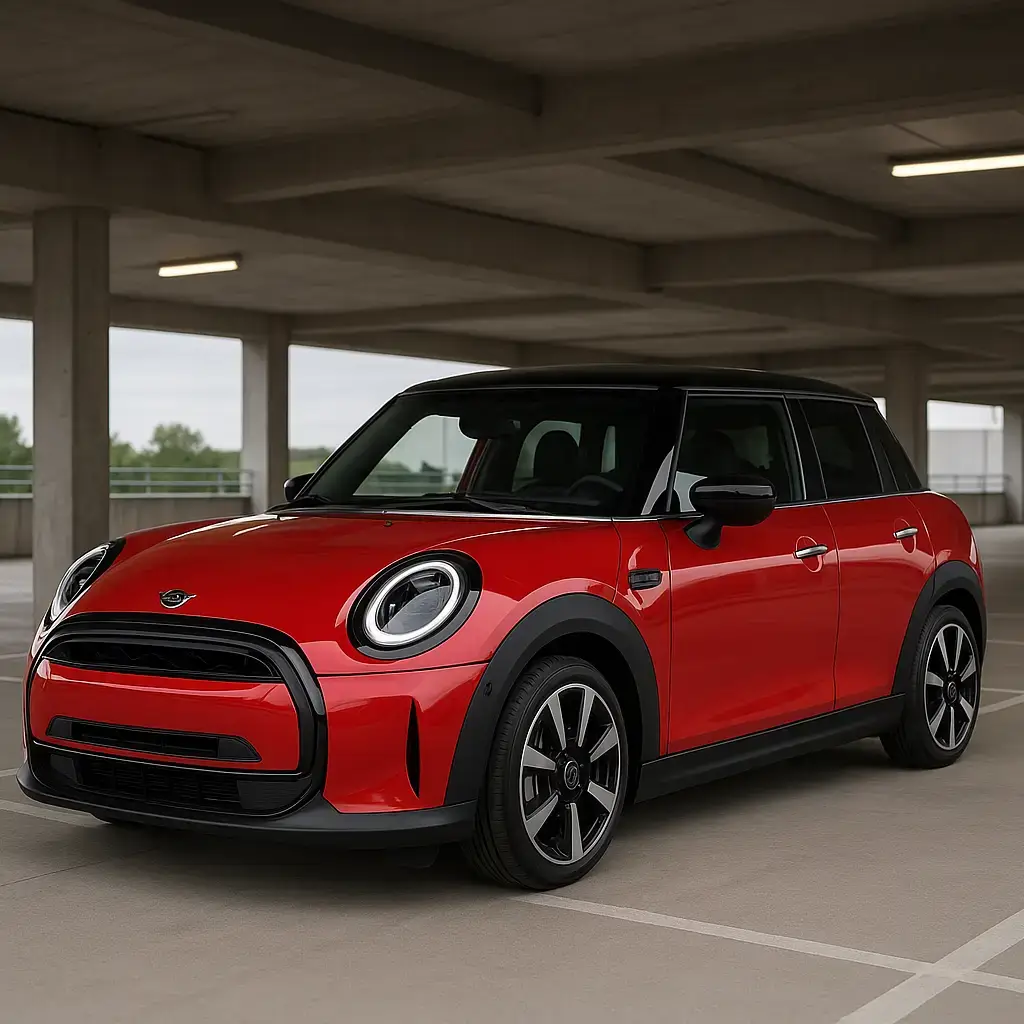
Drag to compare. Illustrative example.
What it does
The repetitive work, handled.
Everything a designer would do to each product image by hand, done once in a template and applied to the whole catalog.
Bulk generation
One template and a product feed produce a creative for every row in a single Run.
Background removal
Product photos are cut out as part of the render, and cached so re-renders cost nothing extra.
Dynamic overlays
Prices, discounts, badges and copy render straight from your data, row by row.
Every size at once
Square, Story, banner and custom sizes from one template in the same pass.
Scheduled refresh
Workflows re-run on a schedule or when the data changes, and only re-render what changed.
Brand consistency
Layout, colors and fonts live in the template: 1,000+ Google font families or your own.
How it works
Three steps, then it runs itself.
- 01
Connect a Data Source
An API feed, CSV, Google Sheet or a manual list. Bannervora keeps it in sync.
- 02
Design a template
Map feed fields to text, image and badge layers in the browser editor.
- 03
Run a Workflow
Render every row now, on a schedule, or whenever the feed changes.
Before and after
One row in, one finished ad out.
A plain product photo and a row of data become a ready-to-run creative.
- Background removed from the product photo
- Product placed on the template's scene
- Price rendered from the price column
- Call to action and hashtag set in the template

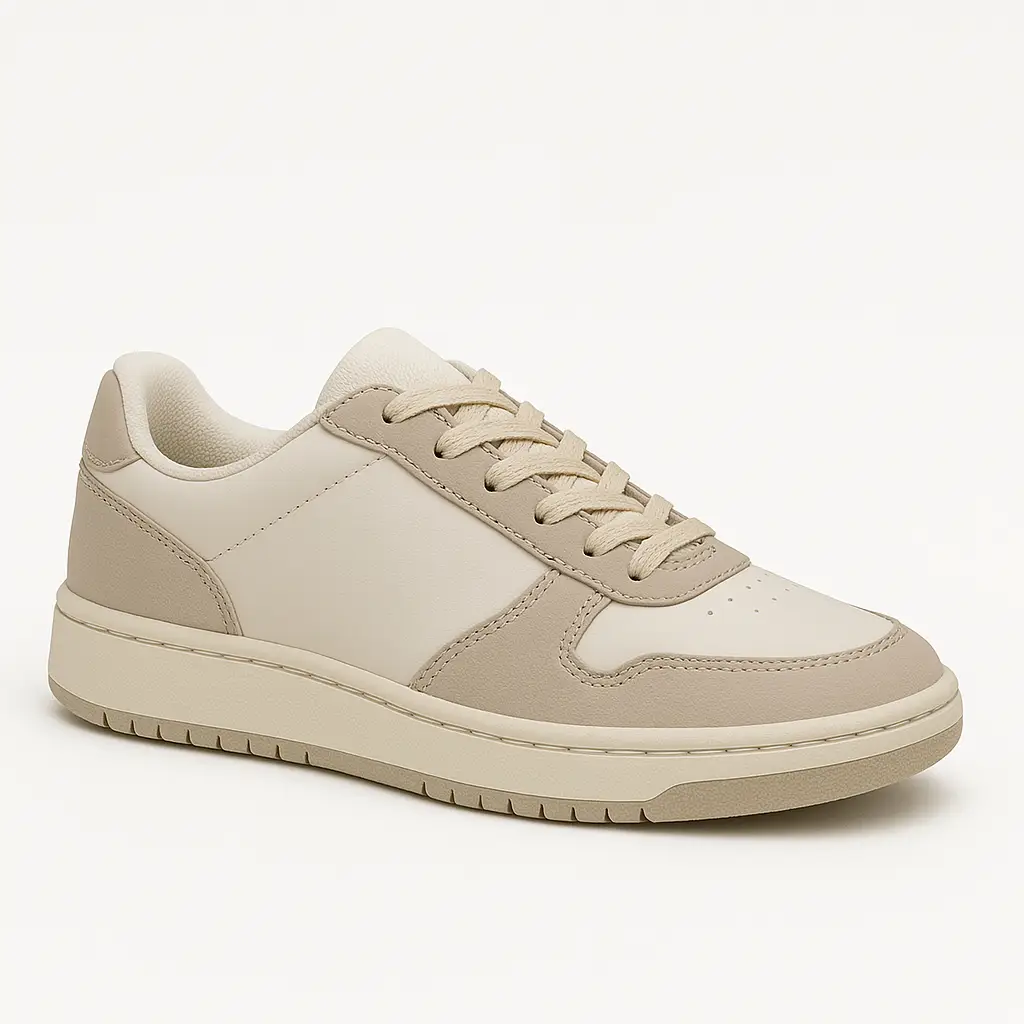
Drag to compare. Illustrative example.
Who it's for
Teams with more products than designers.
Ready to see it
Bring a feed. Watch one template multiply.
We will wire one of your templates against a real feed on a screen-share, and you walk away with the first 100 variants rendered live.